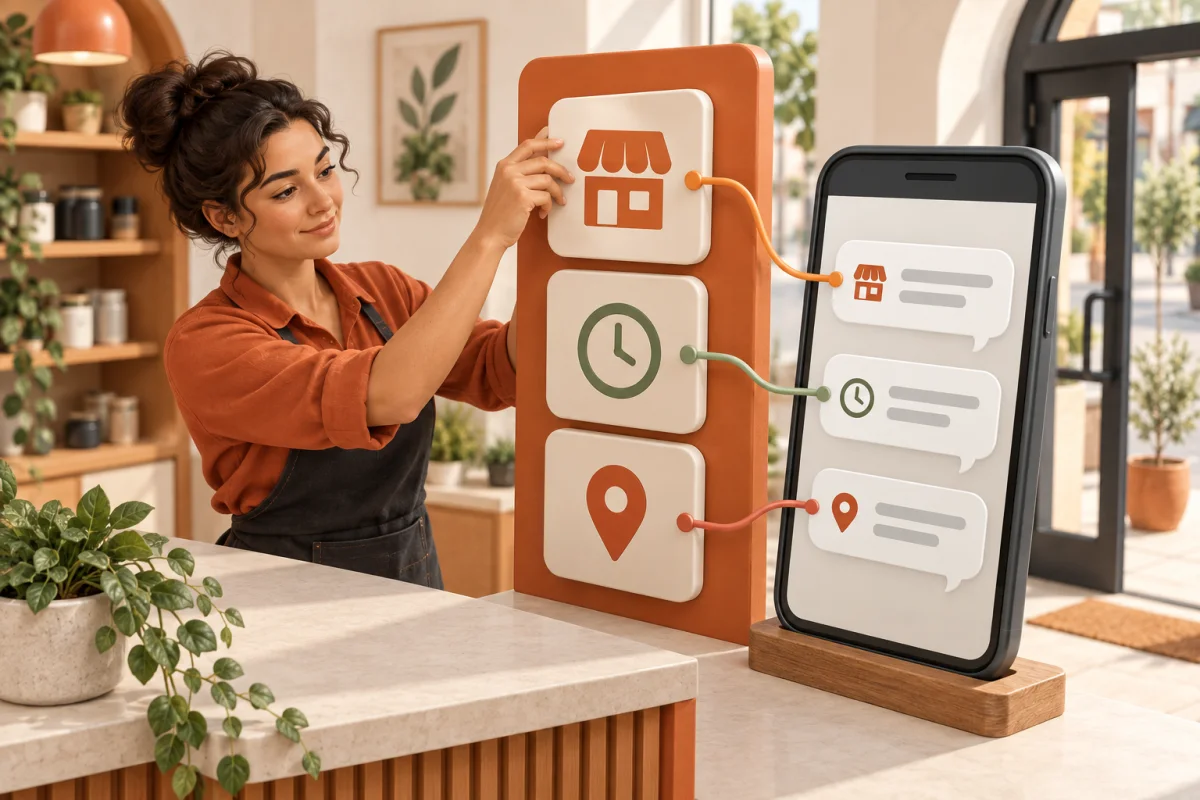
WhatsApp AI Assistant for Your Business.WhatsApp AI Assistant
for Your Business.
Set Up For You.
Start with Claw Chat to answer enquiries, collect leads, qualify customers, and hand over to your team. Eligible accounts can apply for the Claw Grow Limited Pilot to create AI-assisted images and videos and publish approved media to selected supported platforms. Every publishing action requires preview and explicit approval.
Built around your real workflow · EN / CN / BM support
AI Workflow Modules for Real Businesses
Pick the workflow you need first. We set it up, test it, and support it after launch.
WhatsApp AI Assistant
- Auto-reply to common questions
- Collect customer details
- Qualify and filter customers
- Hand over to your team
Lead Collection & Qualification
- Build a clear lead summary
- Tag intent and readiness
- Remind your team to follow up
- Keep every conversation organised
Approval-first Growth Workflows
- Generate post & campaign copy
- Create AI-assisted images & video
- Publish approved media to multiple supported platforms
- Reusable content templates
One Loop From Content to Customer
Use AI to create images or video, preview and approve the media, publish it to multiple selected supported platforms, listen to available feedback, serve customers, and use platform data to improve the next cycle.
One approved image or video. Multiple selected platforms.
Illustrative flow · Actual availability and timing vary by platform, permissions, and confirmed scope.
- TelegramSelected
- InstagramSelected
- FacebookSelected
- TikTokSelected
- YouTubeSelected
- LinkedInSelected
- ThreadsSelected
- Google BusinessSelected
One approval starts a coordinated fan-out to selected supported platforms.
Publishing remains a Limited Pilot restricted to eligible accounts with the required platform permissions and a supported connection confirmed during scope review. Every publishing action requires preview and explicit approval. Comments and reviews are shown read-only; customer-service actions and analytics depend on connected channels, platform permissions, and plan.
You Buy the Working Workflow, Not Just the Tool
We don't just install a chatbot. We map your real customer flow, define what the AI is allowed to answer, build handover rules, test real scenarios, and support it after launch.
Business Script & FAQ
We turn your company info, service details, pricing rules, and common questions into a reply workflow that your AI can follow.
Permissions & Guardrails
We define what the AI can answer, when it should ask follow-up questions, and when it must stop and send the customer to a human agent.
Launch & Support
We test the customer journey before launch and support the workflow while your managed subscription is active.
A WhatsApp AI assistant built around your real customer flow.
We do not just install a generic chatbot. We map how customers ask, what your team needs to collect, which replies are safe, and when the conversation should move to a human.
Hi, do you have slots this week?
Checks FAQ, asks for details, and qualifies the lead.
Name, request, urgency, and next step are ready.
Clear Access Rules Before Setup
Before work begins, we agree on access, hosting, and which providers handle data.
You enter credentials
Enter passwords and API keys privately — not in chat.
Access needs approval
Temporary access stays within the agreed session. Ongoing access needs explicit, revocable approval.
Hosting & data paths are confirmed
Before launch, confirm local or approved cloud hosting, WhatsApp/AI providers, and revocation steps.
Channels available for scope review
Choose the platforms you already use. Before setup, we confirm account eligibility, required permissions, whether a supported connection is available, and the exact scope.
Availability is confirmed during scope review and depends on account eligibility, required platform and API permissions, a supported connection, and plan. AI-assisted image and video publishing to multiple platforms remains a Limited Pilot; every publishing action requires preview and explicit approval before anything goes live.
Also works with your stack
Bot entry channels, AI model providers, and productivity tools are scoped during review.
Bot entry channels
Availability depends on account type, region, and API eligibility.
AI models
Productivity
Final channel, model, tool, and hosting scope is confirmed during review. Some third-party services require their own subscription.
Start at the Founding Price. Scale When the Workflow Proves Value.
Claw Chat has a limited Founding Offer for the first 10 qualified workspaces. We show the managed list and Founding Credit separately; Grow and Complete are scope-reviewed Limited Pilots.
Malaysia price book · Claw Chat Founding and managed-list amounts shown in MYR.
For businesses that want every enquiry answered, qualified, and handed to the right person.
Managed value, Founding credit
- Managed list
- RM999
- Founding Credit
- −RM600
- Your Founding price
- RM399
Managed list, Founding Credit, and Founding price are monthly amounts during the Founding term confirmed in writing.
- ✓ 1 workspace + 1 customer-facing channel
- ✓ AI replies, FAQ, lead capture & qualification
- ✓ Lead summary + human handover
- ✓ Managed setup, training & business-hours support
The written quote confirms eligibility, credit amount, and offer duration. Outside the Founding cohort, the managed list and confirmed scope apply.
Request a Managed Chat Quote →For eligible teams ready to connect customer conversations with approval-first content and publishing.
- ✓ Everything in Claw Chat
- ✓ Up to 3 selected supported channels
- ✓ AI-assisted image & video drafts
- ✓ Preview, approve, then publish to eligible accounts
For owners who need more channels, better visibility, and a structured next-action rhythm.
- ✓ Everything in Claw Grow
- ✓ Up to 5 selected supported channels
- ✓ Owner visibility + next-action summaries
- ✓ Structured monthly optimization review
Claw Chat shows the approved managed list and Founding Credit transparently. The Founding Offer is limited to the first 10 qualified workspaces; eligibility, credit amount, and duration are confirmed in writing, and viewing this page does not reserve a place. Billing country selects the price book. Grow and Complete remain Limited Pilots; final scope, tax, third-party costs, and any applicable refund terms are confirmed before we send a secure Stripe payment link.
Add Only What the Workflow Needs
No forced bundles. Each extension is scoped separately and added only after you approve the written quote.
Already included while your managed subscription is active: normal FAQ corrections, wording improvements, small handover changes, and support for the agreed setup. Claw Grow pilot publishing remains part of its confirmed pilot scope — not an add-on.
Explore optional extensions Quoted after scope
Additional Messaging Channel Setup
Add one supported customer entry channel. Eligibility, provider permissions, and the connection are confirmed during scope review.
Additional Enquiry Workflow
Add a new intake, qualification, follow-up, or handover flow beyond the confirmed initial scope.
Knowledge Base Import
Prepare and import agreed FAQ, scripts, and knowledge files supplied for the setup. Source quality and volume are reviewed first.
Custom CRM or API Connection
Connect an existing supported system after compatibility, data fields, permissions, and third-party costs are confirmed.
Customer-Approved Cloud VPS Setup
Configure an approved cloud host. Account ownership, provider fees, and ongoing costs are confirmed before payment.
Post-Subscription Transition Support
Separately scoped help after included managed support ends, such as an agreed handover or transition changes.
4 Simple Steps
WhatsApp Us Your Needs
Tell us your business type, customer flow, WhatsApp number, social channels, and what you want the AI to handle first. 5 minutes.
Confirm Scope & Pay with Stripe
After the scope and price are clear, we arrange payment through Stripe before setup begins.
Build the Workflow
We configure the assistant, FAQ, lead fields, permissions, handover rules, and connected channels. Sensitive keys are entered privately by you.
Test & Deliver → Support Begins
We test real customer scenarios, confirm the handover flow, and support the setup while your managed subscription is active.
Frequently Asked Questions
What's the difference between Claw Chat, Claw Grow, and Claw Complete?
What if the bot suddenly stops working after a week?
What does the agreed workflow setup include?
I'm not technical at all. Can I still use it?
Can you adjust the workflow after launch?
Will you have access to my passwords?
What device should I install it on?
How are installation, delivery, and any applicable refund terms confirmed?
What happens when my managed subscription ends?
What Your Team Receives After the AI Conversation
Four synthetic examples show how an enquiry becomes a concise brief for a human to continue.
Recruitment
Candidate enquiry summary
- Role & location
- Factory role · Singapore
- Follow-up needed
- Work eligibility
Clinics
Appointment-ready enquiry
- Service
- Dental filling
- Preferred time
- Tomorrow PM
Property
Buyer lead brief
- Property interest
- Condo viewing
- Budget & timing
- To confirm
Restaurants & F&B
Booking-ready request
- Party size
- 6 people
- Arrival time
- Tonight
Synthetic scenarios · No customer data · Your team reviews and takes the final action.
Ready to Build Your AI Assistant?
Start with a free WhatsApp scope check. We will map your workflow, suitable plan or pilot, timeline, and written quote before payment.
Start Free WhatsApp Scope CheckOr add us on WhatsApp directly: +60 11-7238 8954
Prefer email? hello@mail.installmyclaw.com